Top 8 Advantages and Features of SviCloud TV Box
SviCloud TV box is a streaming media player that has gained a lot of popularity in recent years. It provides a lot of features and advantages to users. Here are the top 8 advantages and features of the SviCloud TV box.
By SviCloud TV Box | 18 November 2022 | 0 Comments
How does the Svicloud TV Box Connect the Speaker and Microphone for Karaoke?
What Karaoke APP need to install on SviCloud TV box?
Where to open Karaoke APP on SviCloud TV box?
How to use Karaoke APP on SviCloud TV box?
Is Karaoke free on SviCloud TV box?
By SviCloud TV Box | 30 April 2021 | 0 Comments
How to Collect Live TV Channels or VOD Content on Svicloud TV Box?
How to favorite or unfavorite movies or TV series?
1. Open “LUCA VOD” or “Yogurt VOD” App.
2. Select your favorite movie or TV series.
3. After clicking to open, click "Favorite".
By SviCloud TV Box | 05 May 2021 | 0 Comments
How to Use Voice Search on Youtube for Svicloud TV Box?
Svicloud TV box supports Youtube voice search function, you can easily find the video content you want to watch through voice search.
By SviCloud TV Box | 06 June 2021 | 0 Comments
How to select multilingual subtitles and adjust subtitle position on SviCloud TV box?
SviCloud TV Box supports up to 12 languages. No matter which country you are from, you can switch the subtitle language according to your needs when watching movies. For example, you could choose Chinese or English, Japanese, Malay, etc.
By SviCloud TV Box | 24 July 2021 | 0 Comments
How to activate Dolby Sound for the SviCloud TV box?
SviCloud TV Box supports Dolby sound effects, whether you connect the TV box with a TV set or audio sound, both are supported.
So how to activate Dolby Sound for the SviCloud TV box? Please follow the below steps.
By SviCloud TV Box | 17 September 2021 | 0 Comments
How to set up WIFI for the SviCloud TV box?
SviCloud TV Box supports wired network connection and WIFI connection, if you want to use a WIFI connection, please follow the steps below to set it up.
By SviCloud TV Box | 10 October 2021 | 0 Comments
How to Set the Time Zone for the SviCloud TV box?
SviCloud TV Box supports multiple date and time format settings, and you can choose the format according to your needs.
So how to Set the Time Zone for the SviCloud TV box?
By SviCloud TV Box | 25 November 2021 | 0 Comments
How to set the startup language for the SviCloud TV box?
SviCloud TV box supports up to 12 international mainstream languages, and you can choose the language that suits you according to your needs.
So how to set the startup language for the SviCloud TV box? How to change another language for the SviCloud TV box?
By SviCloud TV Box | 17 December 2021 | 0 Comments
How to pair and unpair Bluetooth remote control for the SviCloud TV box?
SviCloud TV box provides a voice Bluetooth remote control, which is super easy to operate and can be used by adults and children freely. So how to pair and unpair Bluetooth remote control for the SviCloud TV box?
By SviCloud TV Box | 01 January 2022 | 0 Comments
How to watch Live TV and VOD boot automatically by SviCloud TV box?
How to watch Live TV and VOD boot automatically by SviCloud TV box? This is simple and you could do it in seconds.
By SviCloud TV Box | 23 February 2022 | 0 Comments
How to put your personal favorite Apps on the home page of SviCloud TV box?
SviCloud TV Box is very easy to use and supports personalized customization. You can put your favorite App on the homepage so that the TV box will automatically load your personal settings after turning it on. It is convenient for you to open frequently used Apps.
By SviCloud TV Box | 19 March 2022 | 0 Comments
How to restore factory settings for the SviCloud TV box?
If you meet any problems with using the SviCloud TV box, perhaps the TV box is slow to start and use, then restoring the TV box to factory settings is a good solution.
By SviCloud TV Box | 20 April 2022 | 0 Comments
How to restore factory settings when unable to enter the main page of the SviCloud TV box?
How to restore factory settings when unable to enter the main page of the SviCloud TV box?
Please do the following steps:
By SviCloud TV Box | 05 May 2022 | 0 Comments
How to set Dolby output using a SviCloud TV box?
When a SviCloud Set-top box is connected to a TV set, How to set Dolby output instead of using built-in speakers?
By SviCloud TV Box | 01 June 2022 | 0 Comments
What to do if the TV screen is green worked with the SviCloud TV box?
What should you do if you suddenly encounter a green screen while using the SviCloud TV Box?
By SviCloud TV Box | 16 July 2022 | 0 Comments
How to watch a movie by Dolby Sound for a SviCloud TV box?
SviCloud TV Box offers many movies or TV shows that support Dolby sound effects. If you want to use a TV or Audio sound to play Dolby sound effects, please refer to the following steps.
By SviCloud TV Box | 10 October 2022 | 0 Comments
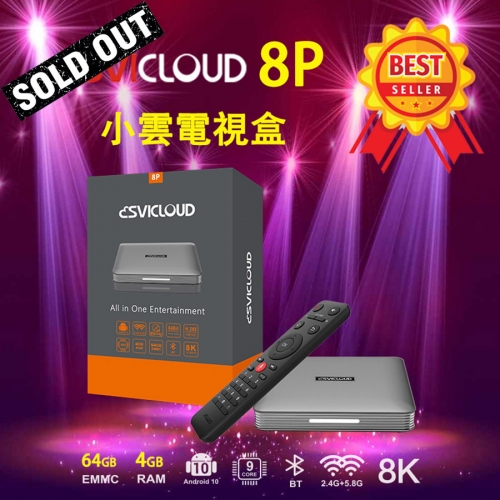
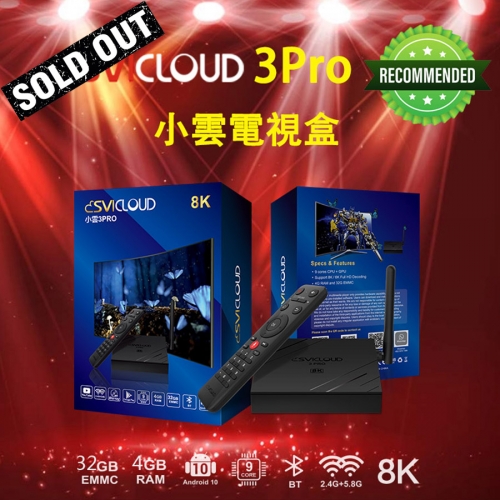
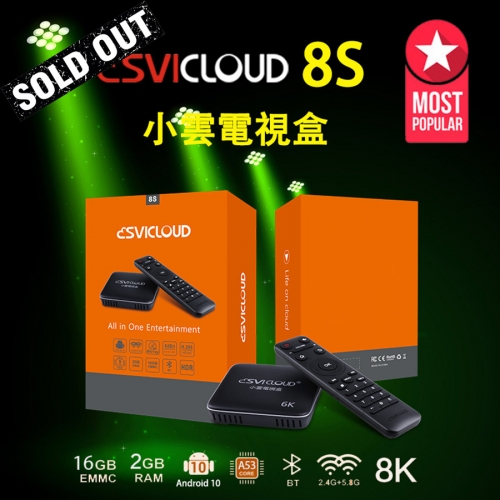
Which SviCloud TV box should I Buy?
Do you want to buy a SviCloud TV box but hesitate about which model to choose?
Should you choose the SviCloud 8P TV box? The SviCloud 8S TV box? Or the SviCloud 3Pro TV box?
By SviCloud | 06 May 2023 | 0 Comments
How to Add Chinese Keyboard in Svicloud TV Boxes?
Some of our users came to ask us how do they add Chinese keyboard in their Svicloud TV boxes? We will explain it step by step, which is very simple. Please follow our instructions as below.
By Svicloud TV BOX | 04 July 2023 | 0 Comments
How To Do Factory Data Reset for Svicloud TV boxes?
When you are being through the Svicloud TV box is stuck, or the video quality is not correct, or can not enter the homepage of the TV box, etc, you can do a factory data reset. Then after that, your TV box shall be back to normal. Today we will show you how to do that. And hope this will help you.
By Svicloud TV BOX | 11 July 2023 | 0 Comments
 USD
USD EUR
EUR GBP
GBP CAD
CAD AUD
AUD HKD
HKD JPY
JPY KRW
KRW SGD
SGD NZD
NZD THB
THB TWD
TWD 繁體中文
繁體中文 日本語
日本語 한국어
한국어 Français
 Español
 Deutsch
 Nederlands
 English


 Sale
Sale
 Sale
Sale
 Sale
Sale
 Sale
Sale
 Sale
Sale
 Sale
Sale
 Sale
Sale
 Sale
Sale
 Sale
Sale
 Sale
Sale

 Sale
Sale
 Sale
Sale
 Sale
Sale
 Sale
Sale
 Sale
Sale
 Sale
Sale
 Sale
Sale
 Sale
Sale
 Sale
Sale
 Sale
Sale



